Type Thousands and Millions Fast
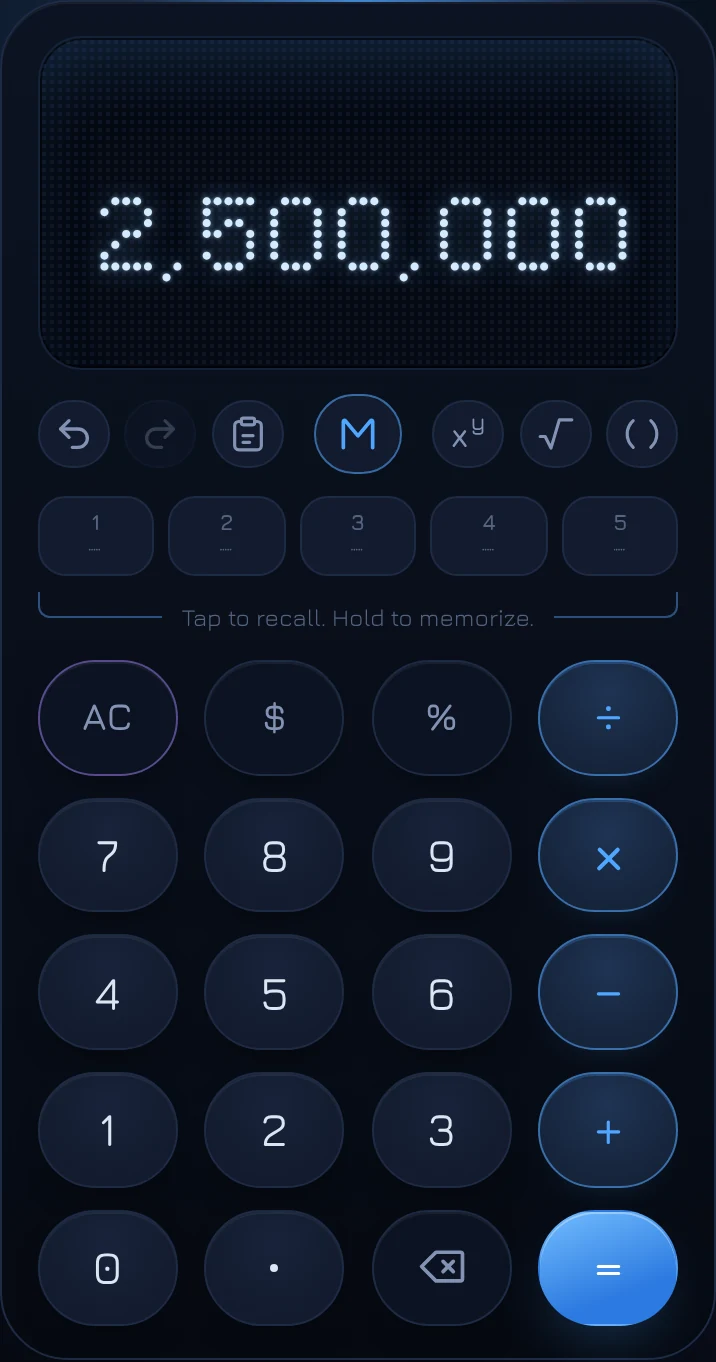
To type a big number on coolca.lc, type the short version and hold the 0 key. Each hold multiplies the number you're typing by 1,000: 25 becomes 25,000, and holding again makes it 25,000,000. On a keyboard, press K instead. It's the fastest way to enter salaries, budgets, home prices and populations without counting zeros.
Why it helps
Typing 2,500,000 means pressing five zeros in a row and hoping you pressed five. Miss one and your answer is off by a factor of ten, which is easy not to notice. People don't think of big numbers digit by digit anyway; they think "two and a half million" or "85K". Holding 0 lets you type numbers the way you say them.
How to use it
- Type the number in thousands, millions or billions: 85, or 2.5.
- Hold 0. A ring fills around the key while you hold; when it completes, the number is multiplied by 1,000. Let go early and you've simply typed a 0, as usual.
- Hold 0 again for millions, and once more for billions.
| Type | Hold 0 once | Twice | Three times |
|---|---|---|---|
| 85 | 85,000 | 85,000,000 | 85,000,000,000 |
| 2.5 | 2,500 | 2,500,000 | 2,500,000,000 |
| 1.25 | 1,250 | 1,250,000 | 1,250,000,000 |
On a keyboard: K
Press K once for thousands, again for millions, again for billions. The 0 key on screen plays a quick version of its ring each time, so you can see the shortcut and the key are the same thing.
Changing your mind
Backspace steps back down. Right after a hold, backspace undoes one step: from millions to thousands, then to the number you typed. It works this way until you type anything else.
Keep typing and it becomes a normal number. If you add digits after a hold, they're added to the end, just as if you'd typed the zeros yourself: 25, hold 0, then 5 gives 250,005. Add a decimal point instead and you can type cents: 25, hold 0, then .50 gives 25,000.50.
Where it's useful
- Salaries and raises: 85K + 4% is 88,400. Hold 0 after 85, then + 4%.
- Home prices and loans: 425 thousand at 6.5% is a start for the Loan Payment Solver.
- Budgets: 1.2 million divided across 12 months is 100,000 a month.
- Money: it works on money amounts too. Tap $, type 2.5, hold 0 twice: $2,500,000.
Questions
Is there a limit?
Three steps, up to billions, and up to 15 digits in all, the most a standard computer number holds exactly. A hold that would go past 15 digits is ignored.
Does it work with percentages?
Not on a number already marked with %. Holding 0 multiplies the number itself, so use it before adding % or an operator.
What about the 0 key's normal job?
A quick tap is always a 0. Only a deliberate hold of about half a second multiplies, and the ring shows you exactly when that's about to happen.