How to Calculate a Discount
To find a sale price, multiply the original price by 1 minus the discount: $80 at 25% off is $80 × 0.75 = $60. To find the original price from a sale price, divide instead: $60 ÷ 0.75 = $80. And two discounts in a row don't add up: 20% off and then 10% off is 28% off, not 30%.

The three discount questions
1. What's the sale price?
Sale price = price × (1 − discount)
$80 × (1 − 0.25) = $80 × 0.75 = $60.00, saving $20.00.
For a quick estimate in your head, find 10% by moving the decimal point (10% of $80 is $8), then scale: 20% is $16, 25% is $20, 30% is $24. On coolca.lc's main calculator you can type it directly: $80 − 25% gives $60.
2. What was the original price?
If a tag says $60 after 25% off, adding 25% back gives $75, which is wrong: the 25% was taken from the original price, not from $60. Divide by 1 minus the discount:
Original price = sale price ÷ (1 − discount)
$60 ÷ 0.75 = $80.00
3. How much off is it really?
When a store shows two prices, "was $80, now $60", find the percent off by dividing the savings by the original price:
Percent off = (1 − sale ÷ price) × 100
(1 − $60 ÷ $80) × 100 = 25%
It's worth checking. Signs round generously, and "up to 50% off" usually means a few items are 50% off and most are less.
Stacked discounts and coupons
"Take an extra 10% off sale prices" is one of the most misread offers in retail. Each discount is taken from the price after the one before it, so percentages multiply rather than add:
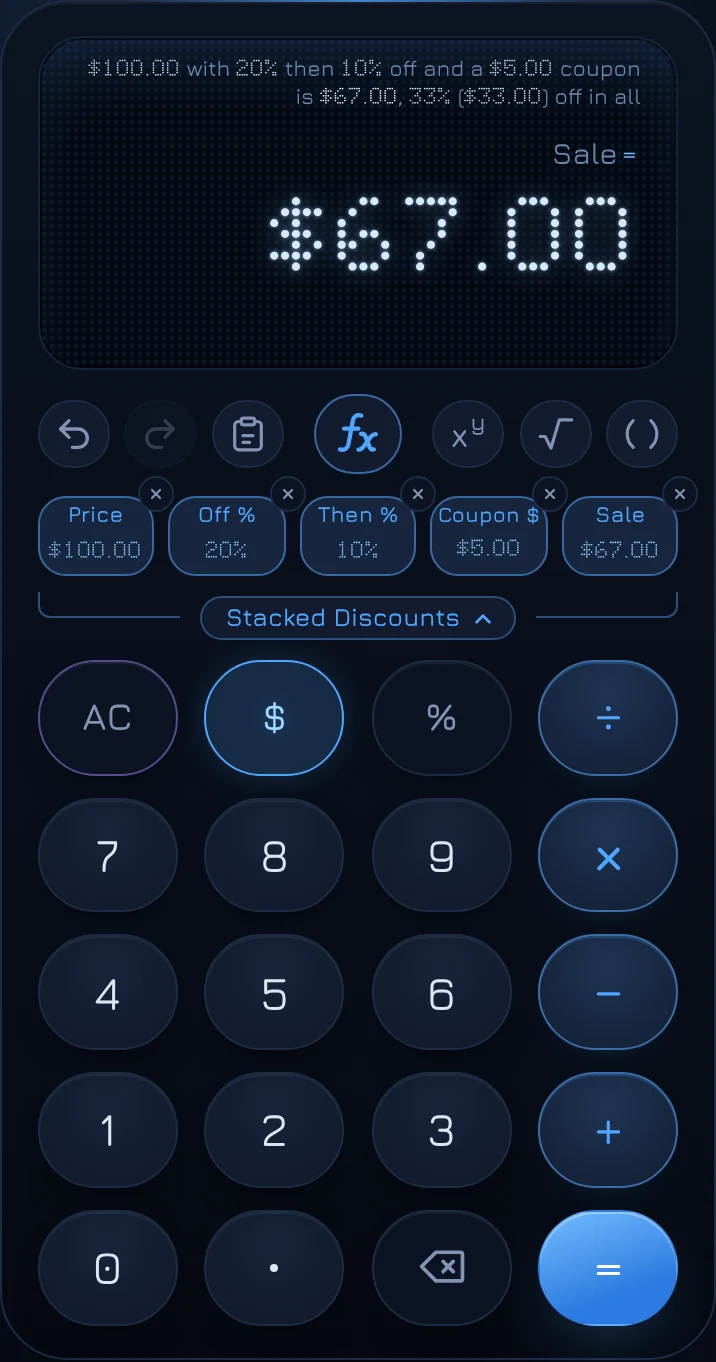
$100 with 20% off is $80.
An extra 10% off $80 is $72.
That's 28% off in all, not 30%.
The order of two percentages doesn't change the result: 20% then 10% and 10% then 20% both come to $72. But the order of a percentage and a dollar coupon does:
- 20% off $100, then a $5 coupon: $80 − $5 = $75.
- A $5 coupon, then 20% off: $95 × 0.8 = $76.
Percentage first, then the dollar amount, is better for you, and it's the order most receipts apply them in. The Stacked Discounts Solver uses that order: up to two percentages, then a coupon, with the total percent off and the amount saved spelled out.
Comparing deals
- Buy one, get one 50% off is 25% off each item when you buy two: you pay 1.5 prices for 2 items.
- Buy one, get one free is 50% off each item, but only if you actually want two.
- Bigger packages aren't always cheaper per item. Compare the price per unit with the Unit Price Solver.
- Sales tax is normally charged on the discounted price, so a discount saves you the tax on the amount taken off too. See how sales tax works.
Using the Discount Solver
coolca.lc's Discount Solver has three slots: Price, Off % and Sale. Fill in any two and the third shows SOLVE, so it answers all three questions above.
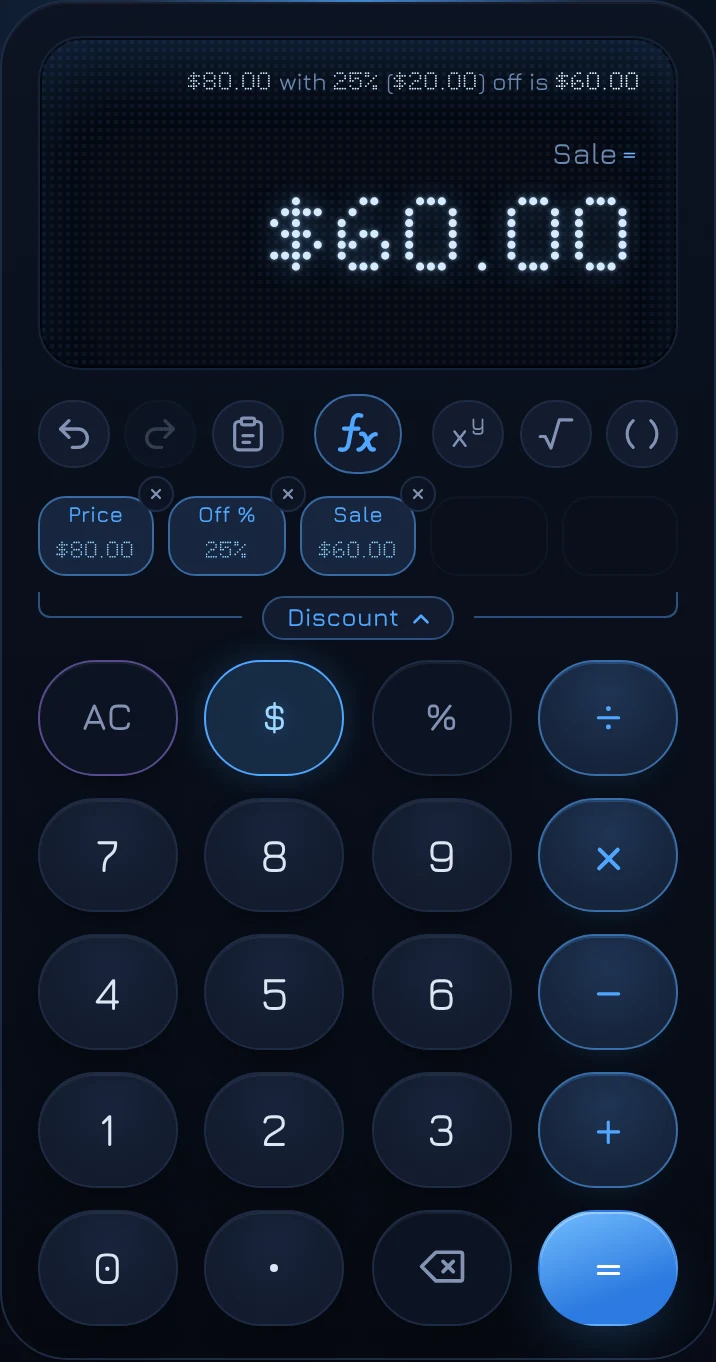
- Open Discount.
- Type the original price, such as 80, and tap Price.
- Type the discount, such as 25, and tap Off %.
- Tap Sale, which shows SOLVE.
To find the original price, fill in Sale and Off % and tap Price. To find the real percent off, fill in Price and Sale and tap Off %.
Stacked Discounts
The Stacked Discounts Solver has five slots: Price, Off %, Then %, Coupon $ and Sale. Then % and Coupon $ are optional; leave either empty to skip it.
Questions
Is 25% off the same as paying 75%?
Yes. That's why multiplying by 0.75 gives the sale price directly. 40% off means paying 60%, so multiply by 0.6.
How do I add a percentage back after a discount?
You can't by adding the same percentage. Going from $60 back to $80 is a 33.33% increase, because $20 is a third of $60. To undo a discount, divide by 1 minus the discount, as above.
Is a 50% off coupon on top of 50% off free?
No. 50% off, then 50% off the reduced price, is 75% off in all: you pay a quarter of the original price.